📶 How to Create a WiFi QR Code to Connect Without a Password
What is a WiFi QR Code?
You’ve probably experienced this: a friend, customer, or guest asks for your WiFi password…
You start looking for the paper, the box, the note on your phone — a small moment of chaos.
Now imagine if they could simply connect by scanning a QR code.
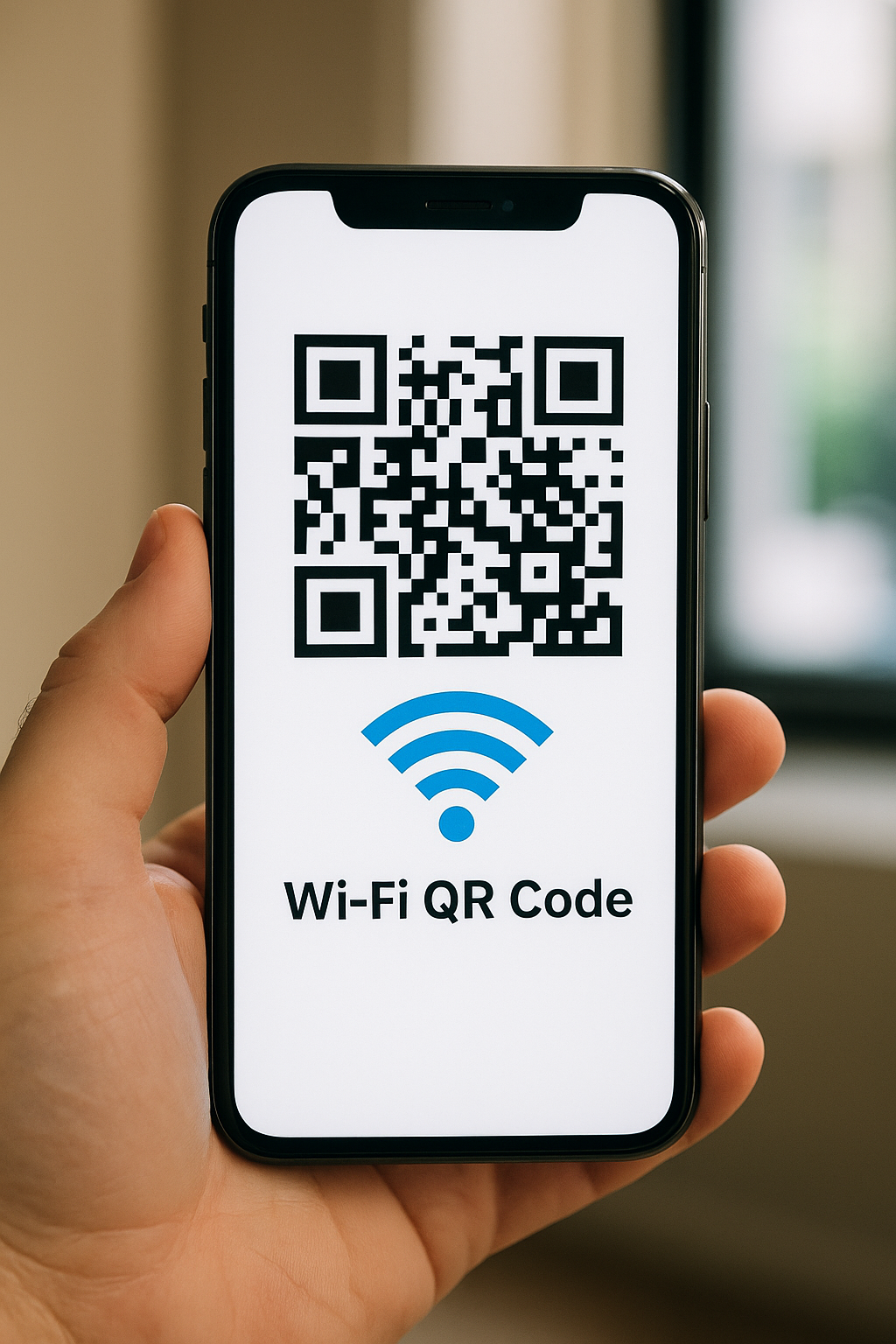
That’s exactly what a WiFi QR code does: a small code you can display on a wall, menu, or counter.
Your guests scan it with their phone and connect instantly — no typing required.
How does a WiFi QR code work?
A WiFi QR code contains all the information needed to connect:
- The network name (SSID)
- The password
- The encryption type (WPA, WPA2, etc.)
When someone scans the code with their phone camera, the device automatically suggests connecting to that network.
No app, no typing, no mistakes — the connection happens instantly.
👉 It’s a simple, secure, and ultra-convenient solution for homes, cafés, hotels, and offices alike.
Create your WiFi QR code in seconds
The good news: you can now generate a WiFi QR code for free, without registration, on QRNum.
Here’s how:
- Go to QRNum.com
- Click on the “Create WiFi QR Code” button

- A window pops up — enter your WiFi information (network name, password, security type)
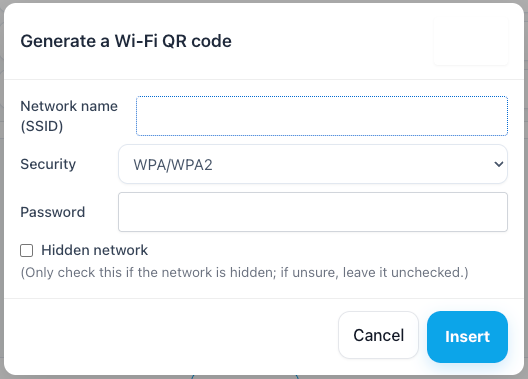
- Click “Insert” to automatically fill the text field
- Click “Generate” to create your QR code
- Download the QR code image and display it wherever you want!
💡 In the “Logo” option, you can upload a small WiFi icon to make your QR code even more intuitive.
💡 You can also print it on a poster, sticker, menu, or welcome card — once scanned, the phone will automatically offer to connect to your network.utomatiquement la connexion au réseau WiFi.
Where to display your WiFi QR code
There are many creative ways to use it:
📍 At home: stick it near your router or in the living room for guests.
☕ In cafés or restaurants: print it on menus or table tents.
🏨 In hotels or Airbnb rentals: add it to a welcome card or frame.
💼 In offices or meeting rooms: avoid interruptions and save time.
💡 You can customize your QR code design (color, size, logo) to perfectly match your decor or brand style.
Is it secure?
Yes ✅
A WiFi QR code doesn’t make your network less secure — it simply simplifies password entry.
The information stored in the code is the same as what you would normally share verbally.
To improve security, you can:
- create a guest network (most routers allow it),
- limit its access or speed,
- and change the password regularly.
That way, your guests get easy access without compromising your main network.
Benefits of a WiFi QR code
⏱️ Time-saving: no more spelling long passwords.
💡 Simplicity: works on iPhone, Android, and tablets — no extra app needed.
🎨 Customization: match your code to your space or brand.
🔐 Security: easy sharing but controlled access.
🙌 Accessibility: perfect for cafés, hotels, coworking spaces, or events.
In summary
A WiFi QR code is a modern, easy, and secure way to share your connection.
Whether at home or in your business, it helps guests connect effortlessly.
Create your WiFi QR code now
Try our free WiFi QR code generator — fast, simple, and registration-free.
Turn your WiFi network into a QR code that connects in just one scan.
Learn more about QR Codes –> wikipedia